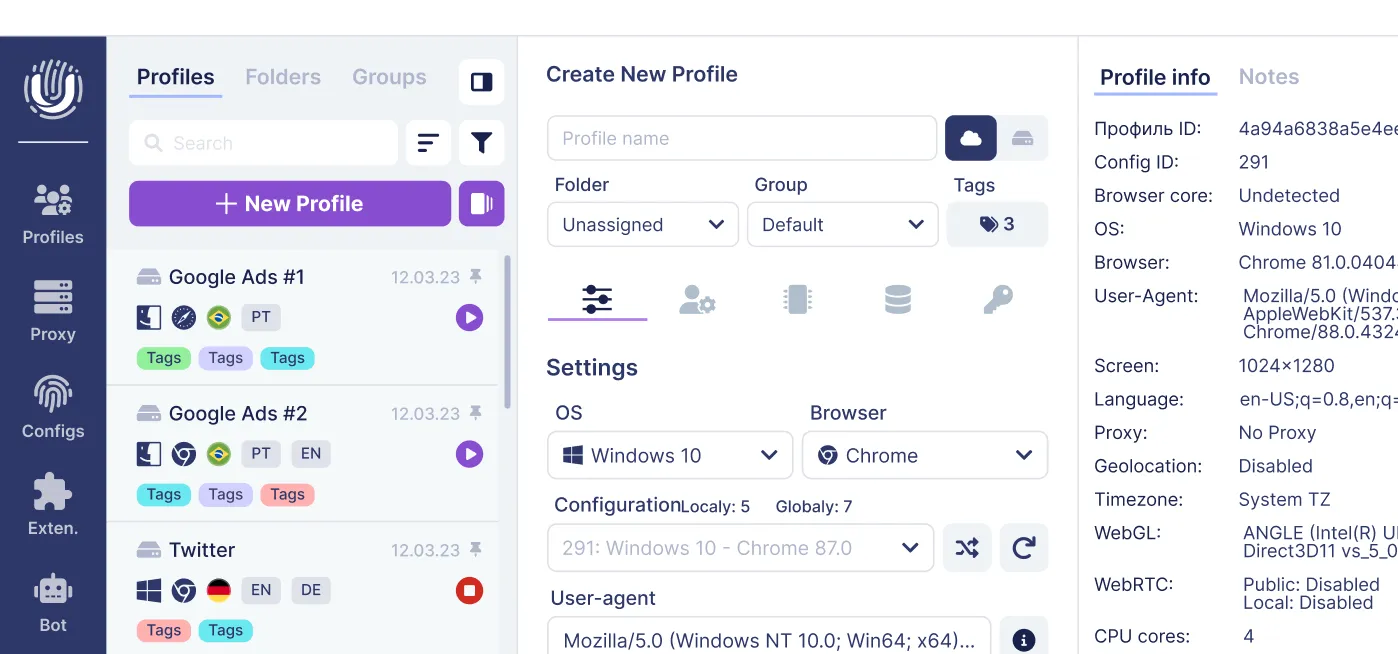
In case you need to create multiple profiles with different configurations, you can use the "Mass Creation" feature:
- Fill in: Start ID, OS, Browser, select the necessary configurations, tags for further grouping, screen, proxy, language, and quantity.
To make profile creation as convenient and fast as possible, we have implemented several additional features that greatly simplify the process and save your time:
- A mask where you can select parameters in the name that will be present in each created profile:

- The ability to select multiple configurations at once:

- We are also developing custom profile export, where you will be able to change their parameters.
- Next, click the Generate button to check if everything is filled in correctly.

You can show/hide detailed information for each profile:

- Then, click the Create button - the profiles are created.