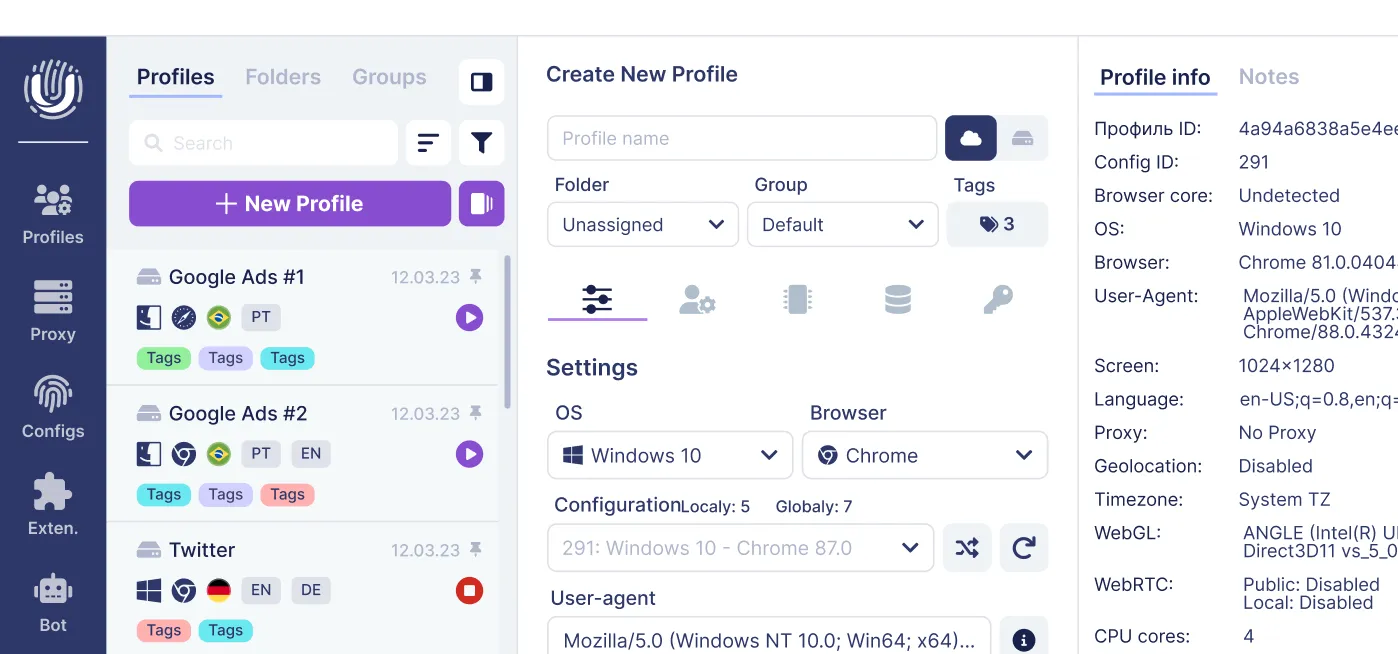
"Accounts" tab in Undetectable
In order to not lose account data (logins and passwords), we have created a separate "Accounts" tab in each profile that you create.

In this tab, we enter:
- website domain
- login
- password
Where the data is stored
All this data is saved not only in the Undetectable system, but also in the browser itself. When you use a specific profile, upon opening a website in the browser, you will be offered a list of saved logins for that profile.
In most cases, manual configuration of these parameters is not required.
It is also possible to import and load a list of websites with accounts in .tsv format (data separated by a tab character).

What to do if you cannot save a password?
If you are unable to save a password on a specific website, please contact our support:
Telegram Support: t.me/UndetectableBot